
To track cross-team projects without another reporting layer, agree one record for each milestone and link the tasks that must finish before it. Use the same owners, dates and blocked reasons in the working view and the leadership review. You can reduce repeated status collection, but the underlying records still need to be maintained.
Choose the minimum shared record#
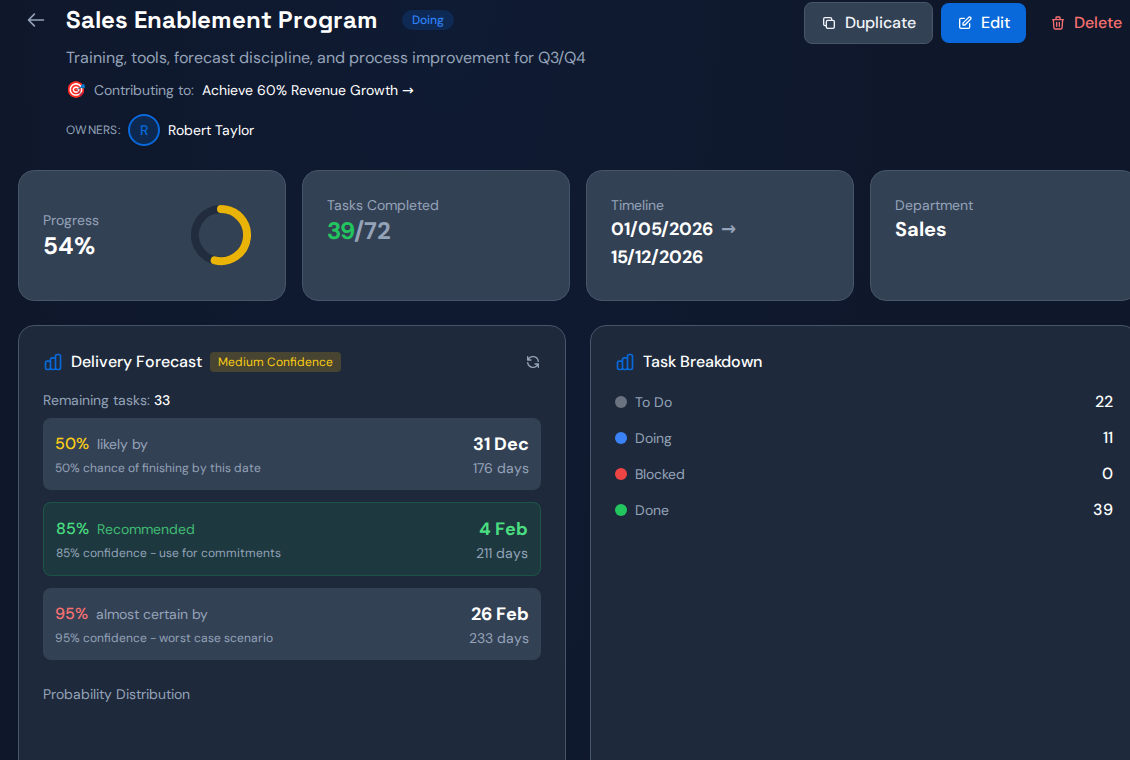
For each milestone, record the intended result, commitment date, accountable owner and unfinished dependencies. For each dependency, record a task owner, state and reason for waiting. Give every record a stable link so questions return to the same source.
Keep private working notes separate from the shared commitment. Teams need room to manage detail without creating conflicting versions of the date leadership is using.
Agree which system owns each field#
When work spans several tools, define the source of truth for status, due date and ownership. Document update direction and expected delay. If the same field can be changed in two places, test which value wins and how someone notices a failed update.
Do not promise to eliminate manual reporting before testing the actual data path. A snapshot that silently stops refreshing can be worse than an openly dated status report.
Run a weekly exception review#
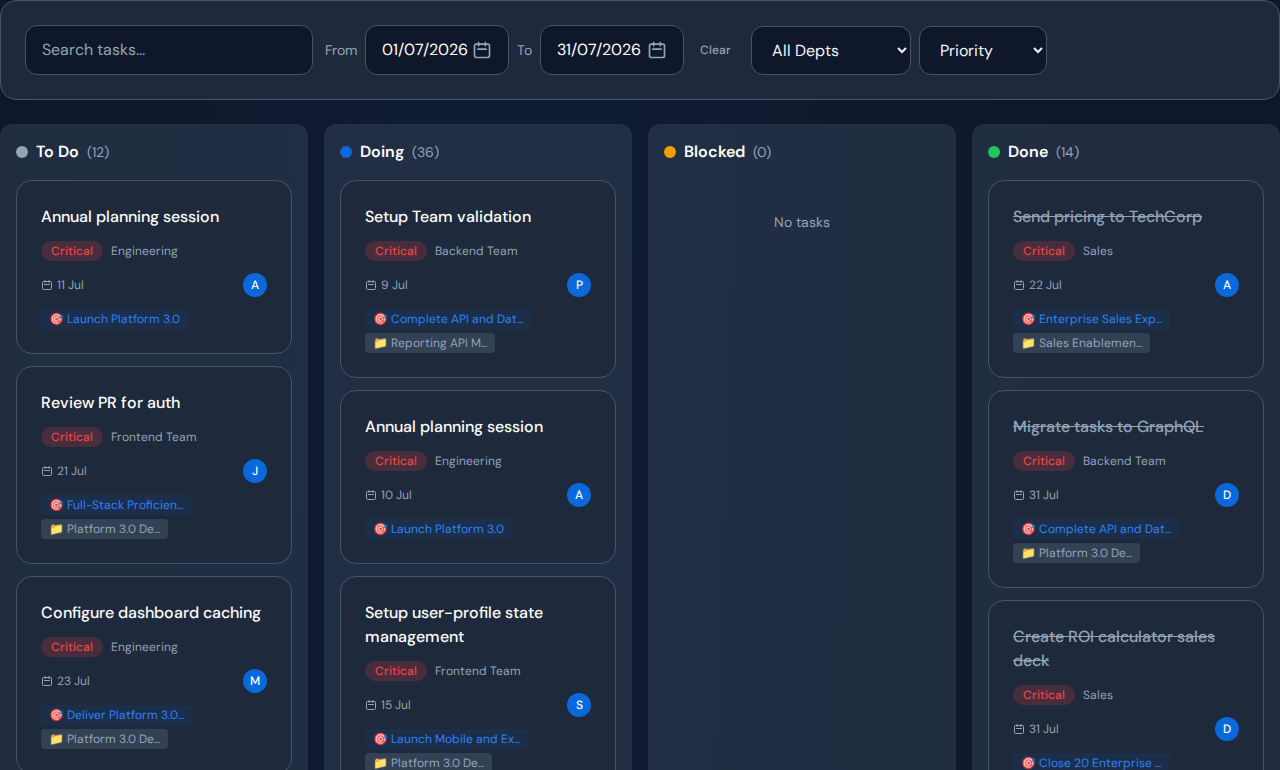
- Review changed commitments and overdue dependencies.
- Open the blocked task rather than asking for a separate slide.
- Group shared blockers across projects.
- Decide only the tradeoffs that need cross-team authority.
- Record the action and the next evidence check.
Leave routine task coordination with the teams. The cross-team meeting should resolve the handoffs they cannot settle independently.
Worked example: one approval, two reports#
Suppose a hypothetical launch tracker says the release is ready while a support report says training cannot start. Both depend on an unfinished product decision. Link the training task and release milestone to that decision record.
Once the decision has an owner and date, both teams can review the same dependency. Measure whether duplicate clarification requests fall and the handoff advances. Treat any time saving as something to observe, not a guaranteed result.
Set up a narrow Commandix pilot#
Start with one project and its linked tasks. Commandix supports project views and task dependencies and blocked reasons. Where configured, inbound Jira or GitLab synchronization can bring mapped issues into the workspace. Validate updates and history before relying on the connection for reporting.
Related guide: The minimum project data needed to investigate delays.
Frequently asked questions#
Can we keep our existing project tools?#
Potentially. Confirm a supported data path and who maintains each field. A shared review does not require assuming every source has automatic synchronization.
How often should teams update records?#
At meaningful state changes and before commitments become misleading. The review frequency should match the pace and risk of the work.