

When your weekly review depends on several spreadsheets and conflicting status updates, choose business operating system software by testing one end-to-end management routine. Can you open a missed target, inspect the work behind it, settle a cross-team decision and check the result next week? The category name alone does not answer that question.
Define the job before comparing products#
“Business operating system” can mean a management method, software for running meetings or a connected set of work records. These products may solve different problems. Write down the routine you want to support before preparing a feature checklist.
For a COO managing delayed delivery, the scope might include goals, projects, task ownership, team queues and follow-up actions. Accounting, payroll, inventory and customer support may remain in other systems. Avoid making a replacement decision based on a broad label.
Use a realistic weekly-review test#
- Select a current company result and its measurement source.
- Open the projects expected to change it.
- Inspect the next milestone, owners and blocked dependencies.
- Compare possible explanations for the delay.
- Record the decision, accountable owner and follow-up date.
- Return later and inspect the same delivery measure.
Ask a manager who did not configure the system to run the test. If they need a separate report author for every question, include that ongoing effort in the evaluation.
Example: replace a repeated reconciliation meeting#
In this hypothetical scenario, Sales reports a customer ready to start, while Delivery reports missing technical approval. Both updates are accurate within their own records. The useful shared record is the customer milestone linked to the unfinished approval task, its owner and its requested date.
A connected review can focus on who can settle the approval and which commitment it affects. It still requires someone to keep the task current and someone with authority to decide.
Assess the ongoing cost of keeping records usable#
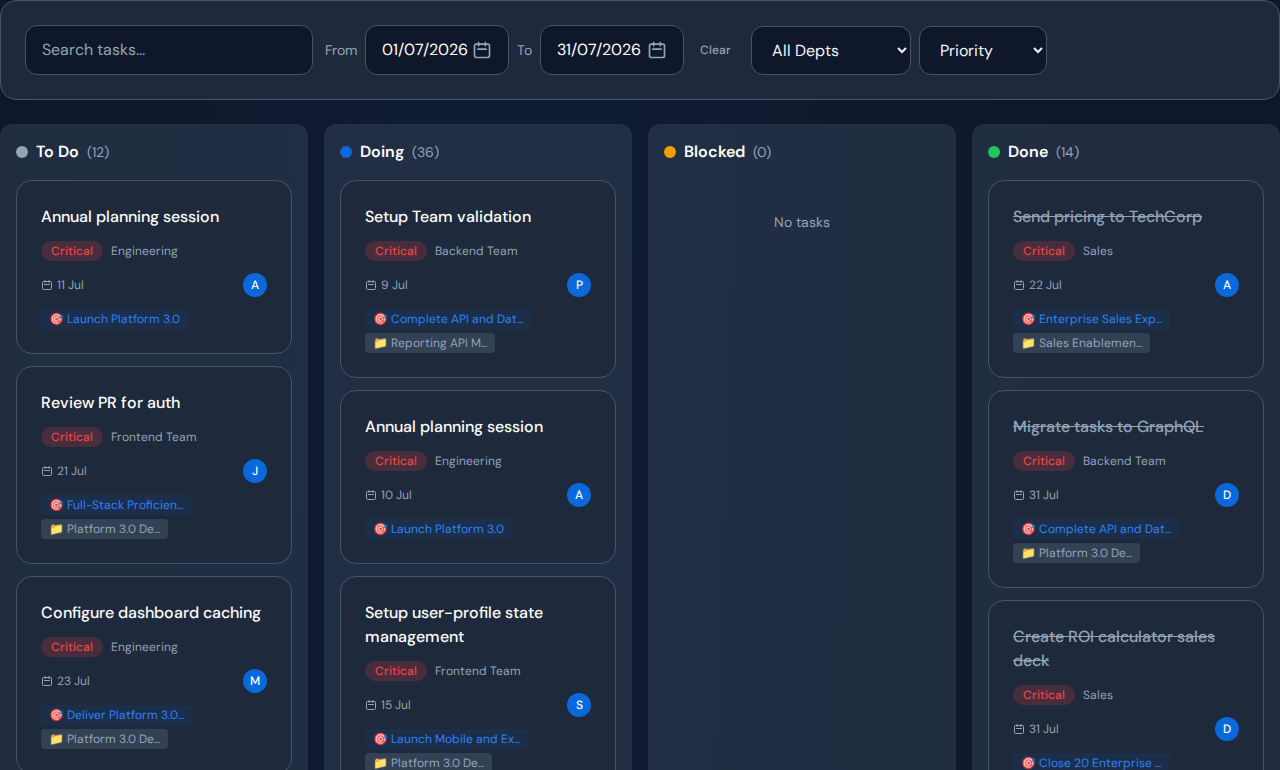
List who maintains ownership, dates, states and links after setup. Test what happens when an employee changes teams, a project pauses or a source update fails. Confirm access and required data-transfer behavior before including sensitive work.
Evaluate the effort of the full routine, including review preparation and record maintenance. Do not infer savings from the number of tools removed.
Where Commandix belongs in the shortlist#
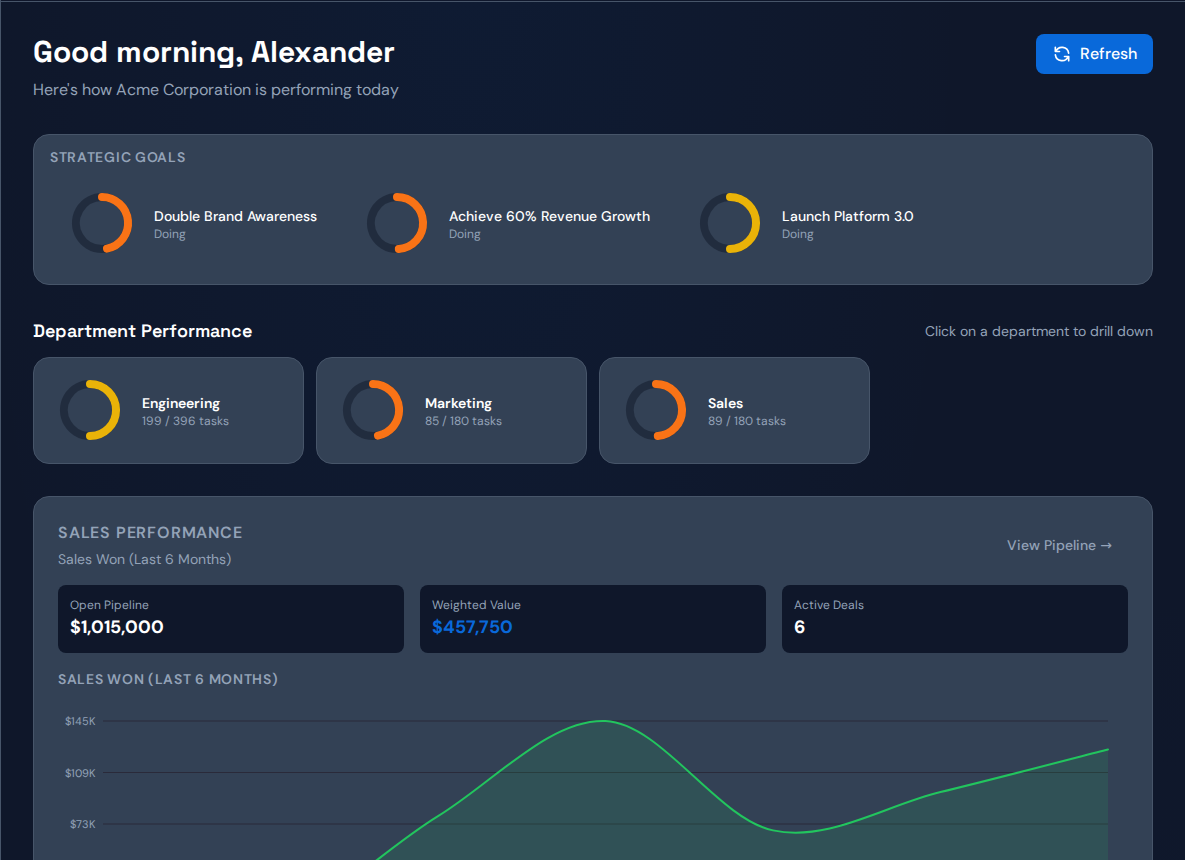
Commandix connects goals, projects, tasks, teams and sales work for leadership reviews. Its dashboard provides starting points into the underlying work, and Constraints supports bottleneck investigation. Evaluate it for that management job, not as a claim to replace every back-office application.
Related guide: Set up cross-team project tracking without duplicate reports.
Frequently asked questions#
Is this the same as ERP software?#
Not necessarily. Products using this label vary widely. Verify accounting, inventory, procurement and other requirements directly if those functions are in scope.
Must the whole company move at once?#
A narrow pilot around one result can reveal data and adoption gaps before wider use. Choose enough teams to represent the real handoffs.