

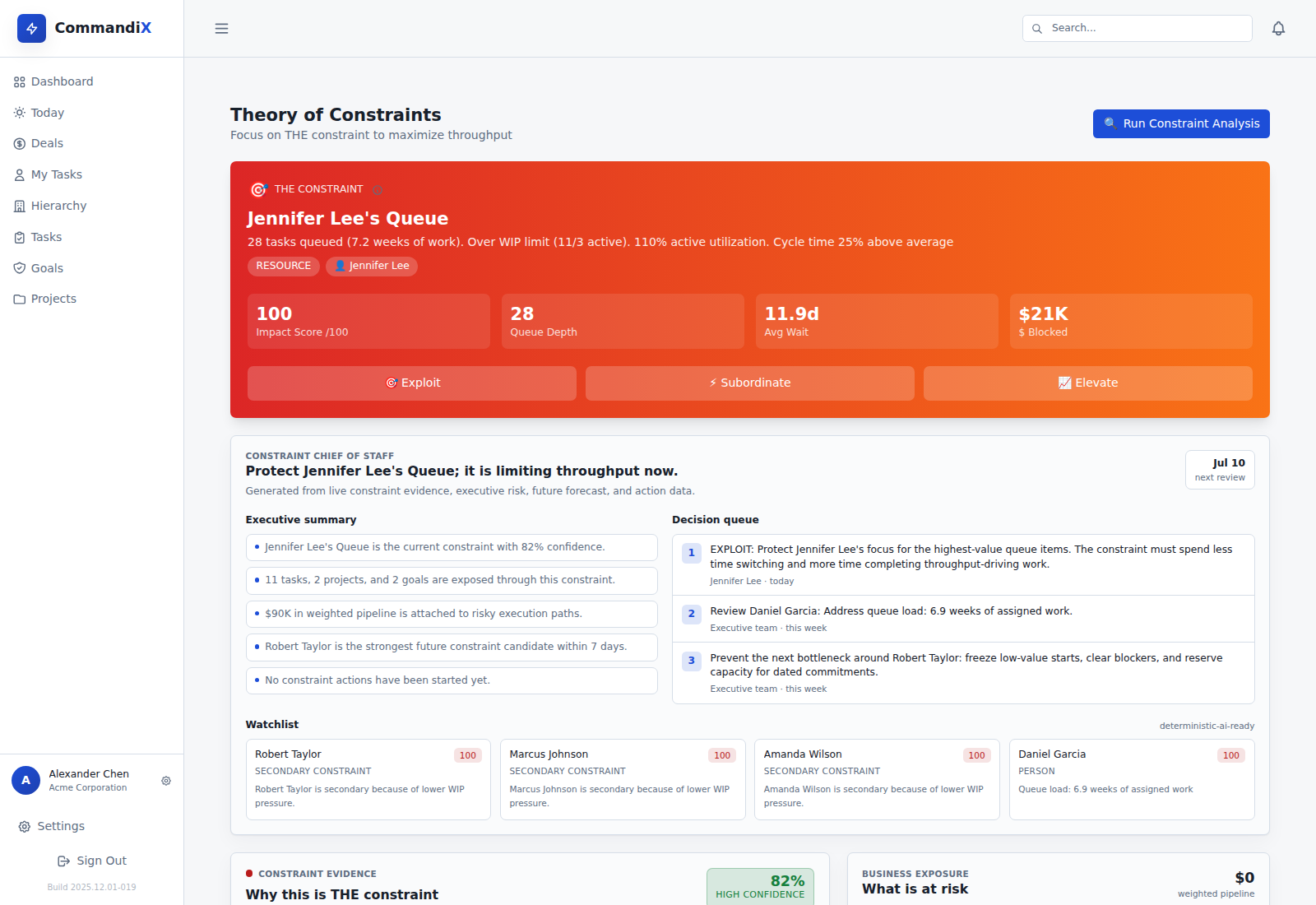
If several departments blame different causes for a late project, evaluate software against one real delay. It should let you trace the missed milestone to unfinished dependencies, see how long work has waited and inspect the records behind any suggested bottleneck. A ranked list without those records is hard to act on.
What the software should help you decide#
The buying decision starts with a management question: should you change priorities, repair a handoff, improve incoming work or add capacity? Each answer requires different evidence. A workload chart shows assigned demand. A dependency view shows what must finish first. Historical status changes show where elapsed time accumulates.
Ask whether the product combines those views for the same project. A team with many tasks may have enough capacity, while a specialist with only two tasks may be holding up the launch.
Five requirements to test in a demo#
- Traceable work: open the tasks behind the late milestone and identify accountable owners.
- Waiting evidence: distinguish ready work in a queue from tasks missing inputs.
- Cross-team dependencies: inspect the shared handoff across affected projects.
- Explainable analysis: see why a possible bottleneck was selected and where records are incomplete.
- Follow-up measurement: record a response and compare the same waiting or delivery measure later.
Have the vendor show stale and missing data, too. A useful evaluation reveals uncertainty instead of filling every empty field with an estimate that looks factual.
A practical acceptance test#
Use a hypothetical launch awaiting technical approval and customer documentation. Enter current owners, due dates, dependencies and blocked reasons. Then ask the vendor to show whether both delays share the approval queue or have separate causes.
Change one task from blocked to active. Check which views update, how the history is preserved and whether the evidence period is visible. Record pass, partial or fail for each requirement. This tests the workflow without relying on a polished demonstration dataset.
Check data movement before committing#
List where project records live, which fields must move and who will maintain them. Confirm permissions, mapping, update direction, failure reporting and retained history using your intended configuration. Do not assume a product can read every tool just because it offers a dashboard.
Commandix documents inbound Jira and GitLab issue synchronization for explicitly mapped projects, subject to deployment configuration and authorization. Validate a small mapping and its update behavior before expanding it. See the connection setup and acceptance checks.
Where Commandix fits#
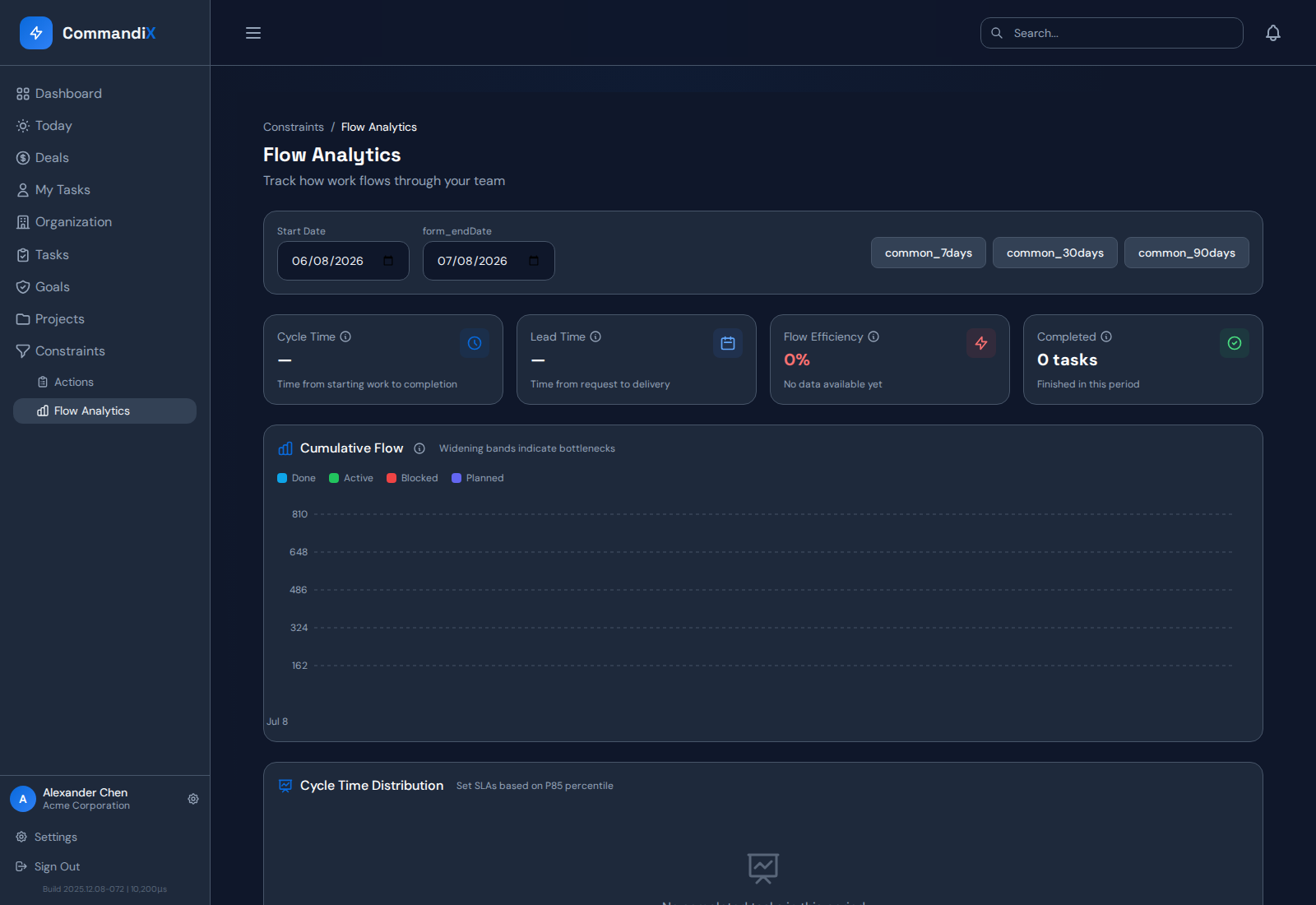
Commandix is worth evaluating when the delayed result crosses teams and leadership can change the work. The Constraints analysis provides waiting, affected-work and confidence context. Projects and tasks hold the underlying records. Flow Analytics helps check later movement.
It is a poor fit if you need software to guarantee the cause without current work records, or if nobody can change the priorities or process after the review.
Related guide: Compare bottleneck tools by the problem you need to solve.
Frequently asked questions#
Can bottleneck software prove the root cause?#
It can expose patterns and supporting records. Teams still need to validate possible causes and test a response. A confidence score is not proof of causation.
Should I replace my project tool?#
First test whether your existing setup can answer the delay question. Replacement adds migration and maintenance work. Commandix also has documented inbound Jira and GitLab connections with setup requirements.