

When an AI analyst recommends a management action, you should be able to check the records and assumptions behind it. Evaluate executive AI software with one real delayed project and several deliberately missing fields. The product should help you ask better questions without turning incomplete data into an authoritative diagnosis.
Find out what the analyst can actually read#
Ask which records enter its context, when they were updated and what is excluded. A summary of task states may omit customer decisions, informal approvals or work in another system. Those omissions can change the recommendation.
Confirm who may use the feature, which provider processes the request and what configuration is required. Review the organization’s data rules before sending sensitive records. A demo answer is not evidence that your intended deployment has the same access.
Use a practical evaluation scorecard#
- Scope: can the reviewer identify the included teams, records and dates?
- Evidence: can material statements be checked against the underlying work?
- Uncertainty: does the answer distinguish observations from possible causes?
- Alternatives: does it consider missing inputs as well as workload?
- Control: is the recommended action reviewed by an authorized person?
- Follow-up: can you name the measure that should change?
Record demonstrated behavior rather than awarding points for a polished explanation.
Worked test: remove the blocked reason#
Use a hypothetical approval task with a late due date and a missing blocked reason. Ask why the project is late. A responsible answer should flag the missing explanation and suggest checking the handoff, rather than declaring that the owner lacks capacity.
Then provide the reason: required inputs have not arrived. Compare how the answer changes. This tests whether the analyst responds to the evidence or repeats a generic recommendation.
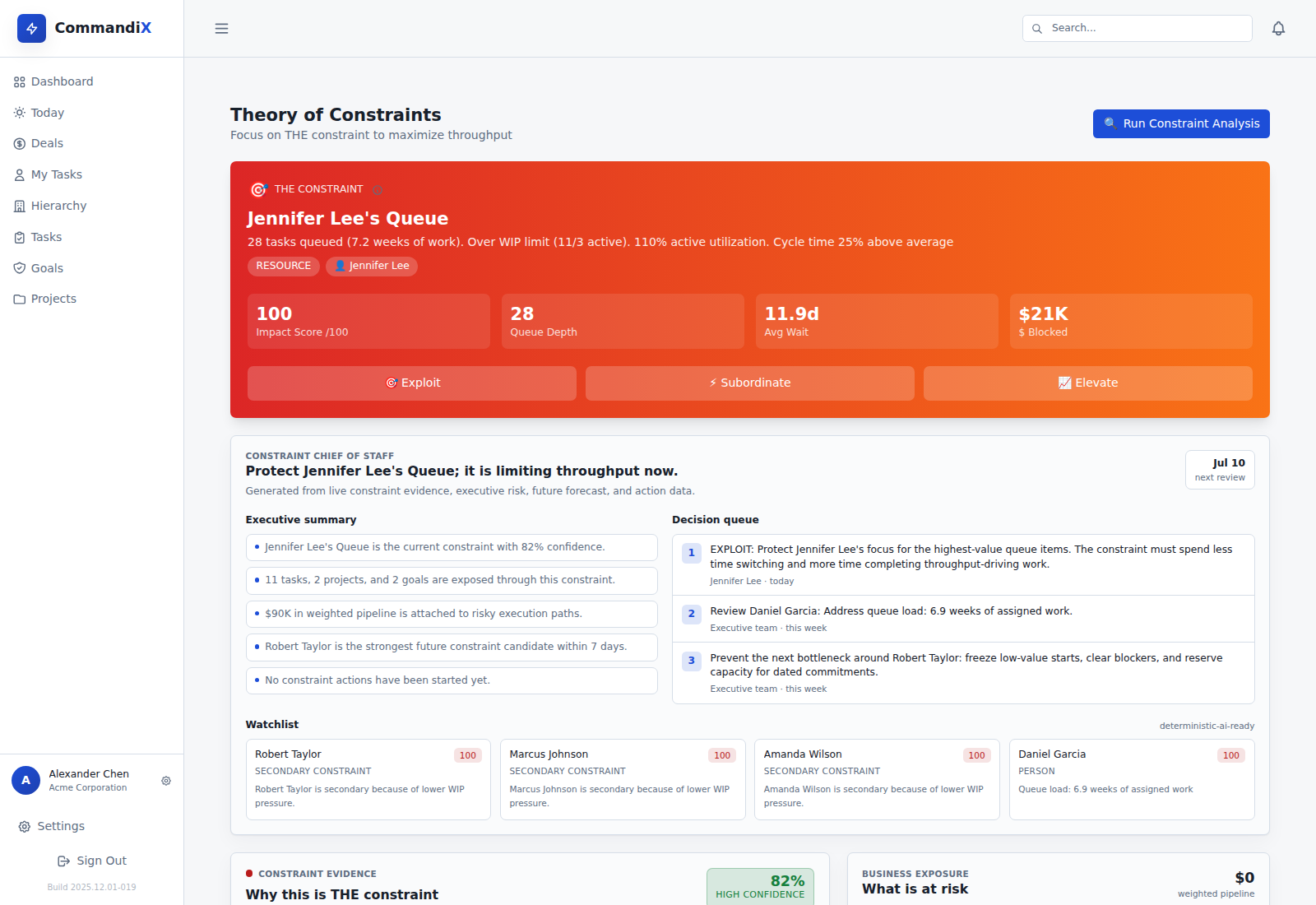
Commandix AI Analyst: capabilities and limits#
The current Commandix AI Analyst uses an operating snapshot and presents local insights. Live AI chat requires a configured, enabled provider with a key. It is disabled for demo accounts. Chat returns an advisory response rather than automatically applying a staffing or priority decision.
Review recommendations against project tasks and constraint evidence. Ask the product team to demonstrate the exact data scope and provider setup for your deployment before including sensitive work.
Make the purchasing decision on one review#
Have a leader and the project owner assess the same answer. Did it identify a useful question, preserve uncertainty and support an action that can be tested? If nobody can validate the evidence or authorize the action, a more fluent summary will not close the management gap.
Related guide: Use AI to investigate project delays responsibly.
Frequently asked questions#
Does the public demo include live AI chat?#
Commandix disables live AI chat for demo accounts. A real workspace needs an enabled provider with a configured key.
Should an AI analyst rank employees?#
Task or sales counts do not establish employee quality. Review workload, blockers, work type and broader context, and keep employment decisions under human review.