

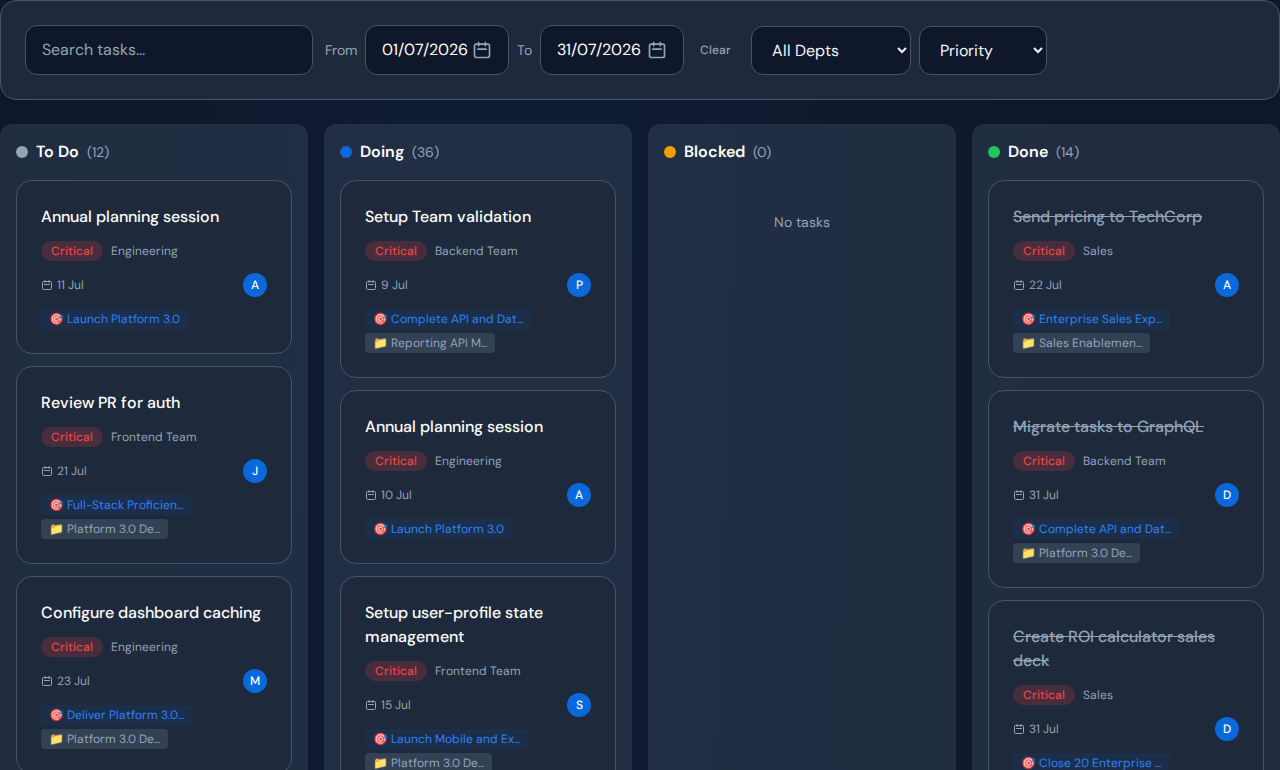
Use AI for project delay analysis by giving it a bounded set of current records and asking it to separate observations, possible causes and missing evidence. Review the cited work before accepting a recommendation. AI can help organize an investigation, but it cannot infer reliable history or decision authority from records that do not contain them.
Prepare a narrow evidence set#
Choose one delayed milestone. Include its unfinished tasks, owners, dates, blocked reasons and known dependencies. State the observation period and which systems or teams are excluded. Remove information the selected provider is not approved to process.
A broad export of company activity can produce a fluent answer without enough context for the specific delay. A bounded question is easier to check against actual work.
Use a prompt that asks for uncertainty#
A practical prompt is: “Review the supplied records for this milestone. Separate recorded facts from possible explanations. Identify the tasks supporting each explanation, list missing information and propose one reversible action with a measure to check next.”
Require the answer to flag unsupported assumptions. If it names a team or person, ask what evidence distinguishes load, missing inputs and an unresolved dependency. Do not accept a confident tone as a substitute for that evidence.
Worked example: AI recommends another reviewer#
In a hypothetical review, an AI summary notices a growing approval queue and recommends hiring. Opening the source tasks shows that many requests are incomplete. The recommendation may have mistaken request volume for ready demand.
Ask for the ready subset and the reason each item waits. Repair the input checklist, then compare ready-queue age and accepted reviews. Escalate the capacity question only if the remaining evidence supports it.
Keep approval and follow-up under human control#
- Check the underlying records and timestamps.
- Confirm the explanation with the affected team.
- Compare at least one plausible alternative.
- Name the person authorized to choose the action.
- Save the baseline and review date.
- Check whether the chosen measure changed.
When the evidence is weak, the right next action may be collecting missing information. Do not ask the model to fill the gap with a more definite answer.
How the Commandix AI Analyst is scoped#
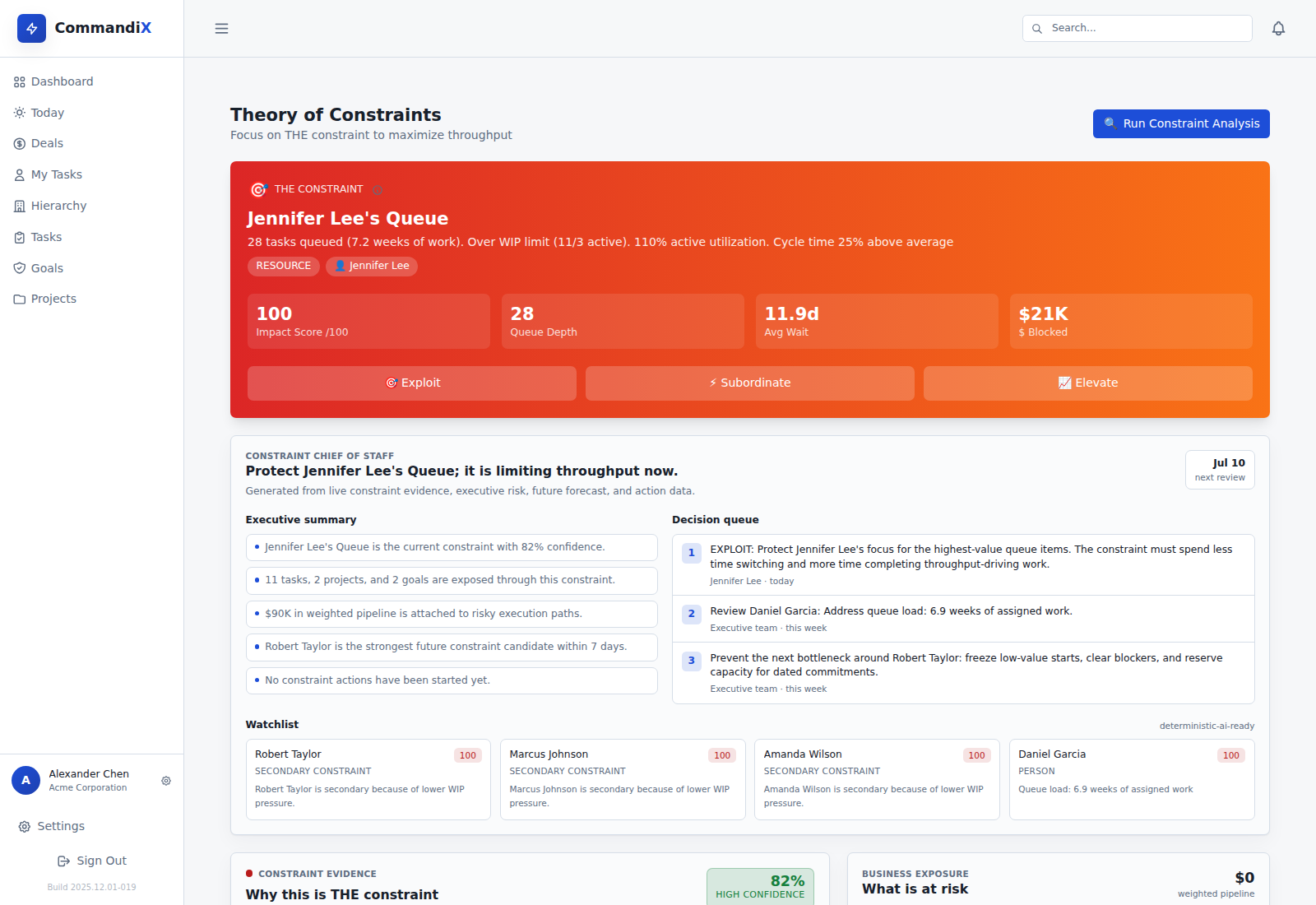
Commandix’s AI Analyst works from an operating snapshot of goals, projects, tasks, teams, deals and constraint context. Live chat requires a configured, enabled provider with a key and is disabled for demo accounts. The chat response is advisory. Use Constraints evidence and the underlying tasks to verify material recommendations before acting.
Related guide: Evaluate AI analyst software for leadership reviews.
Frequently asked questions#
Can AI identify the true project root cause?#
It can propose explanations from available records. Causation still needs validation, and incomplete or misleading data can produce a wrong recommendation.
What should we do with a recommendation we cannot verify?#
Treat it as a hypothesis. Ask for supporting records and missing information, and avoid consequential changes until a responsible person can assess the evidence.