

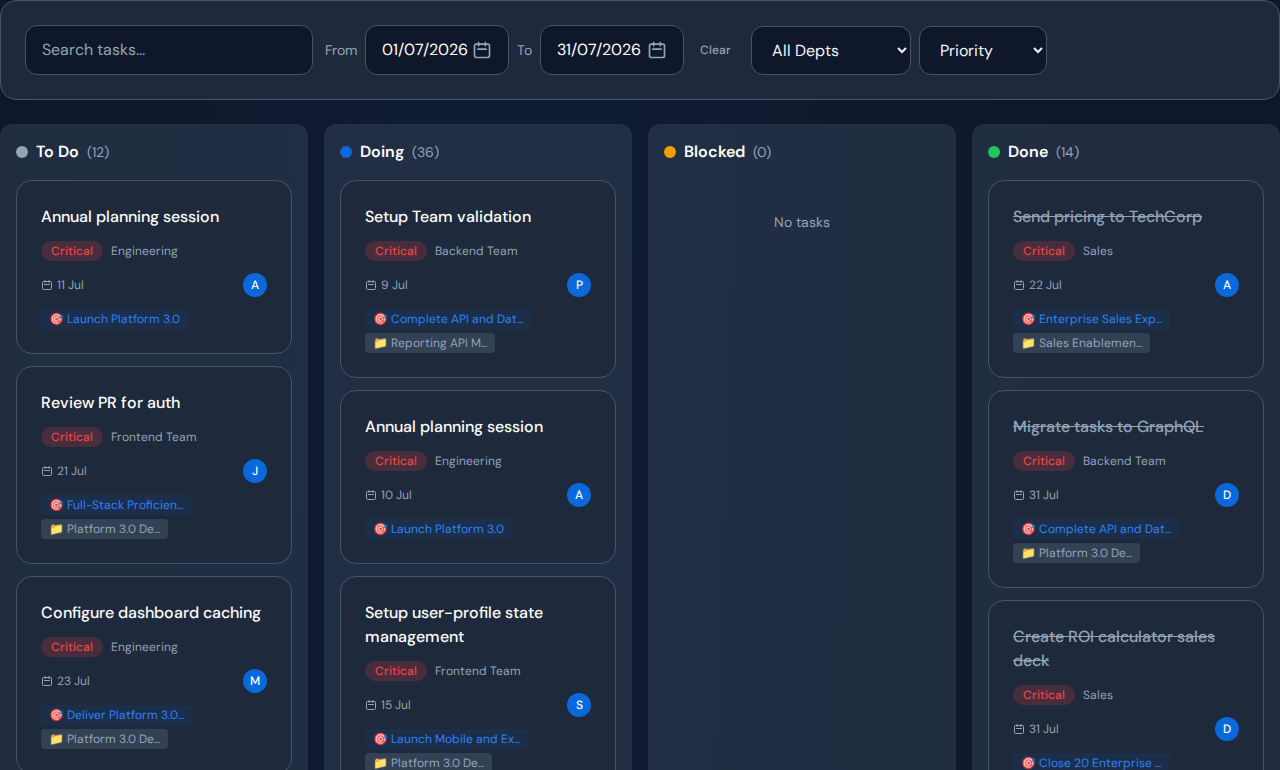
Start project delay analysis with one missed milestone and the unfinished work needed to reach it. You need owners, current states, relevant dates, dependencies and specific reasons for waiting. Historical timestamps strengthen the review, but if they are missing, state that limit and begin collecting a reliable baseline instead of reconstructing certainty.
Collect a minimum useful record#
| Record | Why it matters |
|---|---|
| Milestone and acceptance condition | Defines what is late |
| Commitment date and current expectation | Shows the gap to investigate |
| Task owner or receiving team | Identifies who can explain the work |
| Current state and blocked reason | Distinguishes work in motion from waiting |
| Predecessor dependency | Shows what must happen first |
| Ready, start and completion events | Supports elapsed-time analysis |
Use estimates and work type when comparing capacity. Add deal or customer context when the decision depends on commercial exposure.
Audit quality before calculating a score#
- Open a sample of active and blocked tasks.
- Confirm their state with the responsible people.
- Check whether the input was actually ready on the recorded date.
- Find missing owners and unrecorded dependencies.
- Compare imported fields with their source records.
- State the history coverage and reporting period.
A blank blocked reason is a missing observation. Do not silently interpret it as “no blocker.” Likewise, a task marked active may have been waiting for a decision for most of its elapsed life.
Worked example: imported tasks without earlier history#
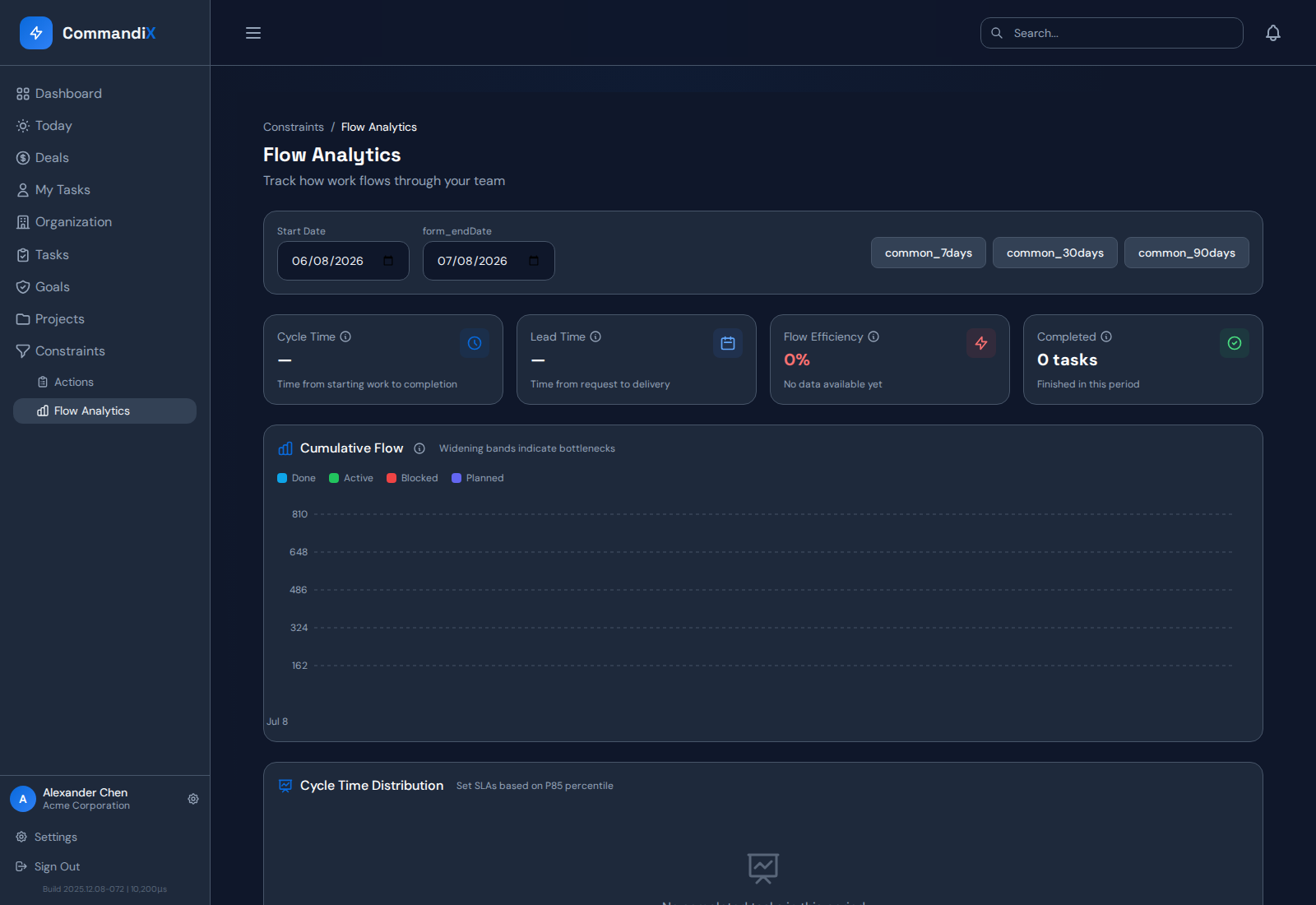
In a hypothetical pilot, current issue states are available but earlier state transitions were not transferred. The team can inspect present workload and confirm current blockers. It cannot calculate a reliable historical wait for every item from the current state alone.
Label the limitation, validate the oldest affected items with their owners and begin recording transitions. Use a later observation window for trend comparisons once the history is sufficient.
Decide whether to analyze, repair or stop#
Proceed when the records support a specific delay question. Repair the missing fields when a small data action can make the review useful. Stop the proposed diagnosis when the available evidence cannot distinguish plausible causes.
A data-readiness finding is a valid outcome. It can prevent a costly staffing or process decision based on an attractive but untestable explanation.
Prepare Commandix for the first review#
Commandix tasks support owners, dates, states, blocked reasons and dependencies. Historical flow charts need status transitions. Populate and validate the narrow set of work behind the chosen milestone before treating analysis output as ready for a leadership decision.
Related guide: Investigate project-delay causes step by step.
Frequently asked questions#
Do we need perfect data before starting?#
No. You need enough reliable evidence for the specific question and a clear statement of what is missing. A current-state review can be useful even when historical trends are not yet supportable.
Can AI fill missing task history?#
It should not invent events. Use available records and owner confirmation, label uncertainty and begin collecting the history needed for future analysis.