

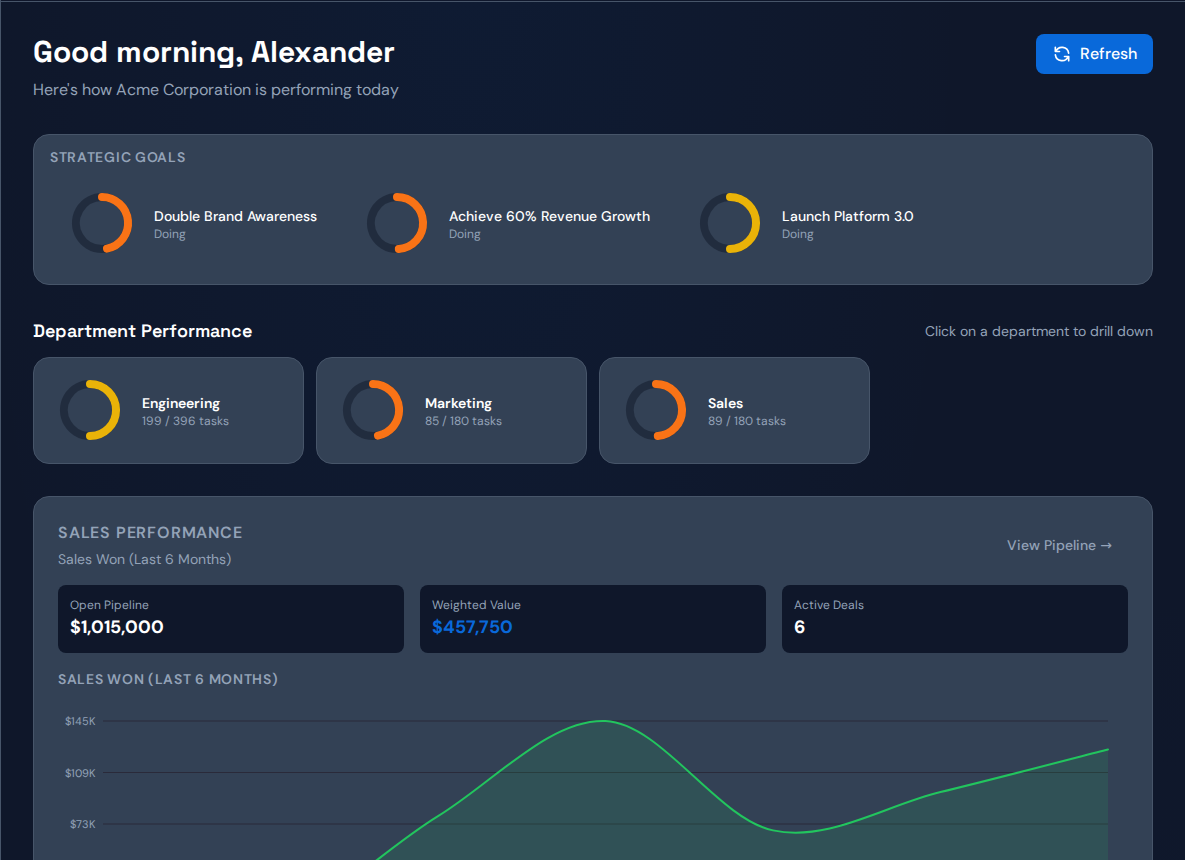
A weekly executive status report should make the next decision clear: which commitment is exposed, what evidence explains the delay and who needs to act. Keep routine task detail behind links. Use the same brief next week to check whether the previous decision changed the result.
Use this one-page report structure#
| Section | What to write |
|---|---|
| Commitment | Result, owner, next milestone and date |
| Change since last review | What moved, with the evidence period |
| Delay | Waiting work and the strongest supported explanation |
| Uncertainty | Missing records and plausible alternatives |
| Decision required | Options, tradeoff and person with authority |
| Follow-up | Action owner, baseline, expected signal and review date |
Leave out sections that do not support this week’s decision. Link to source records rather than pasting a long task list into the report.
Worked example: a launch approval needs priority#
In a hypothetical brief, a customer launch is due next week. The technical approval is ready but shares a reviewer with two lower-priority requests. The decision is whether to protect the launch review and defer the other work.
The brief names the reviewer, the ready date, the affected customer milestone and the owner authorized to change the order. The follow-up checks whether approval completed and whether the launch dependency moved. Any consequence for deferred work remains visible.
Prepare the report from current records#
- Check the date and scope of each number.
- Confirm changed commitments with their owners.
- Open the oldest or highest-impact waiting dependencies.
- Compare the previous action with its expected signal.
- Write the decision in one sentence.
Distinguish an observation from an explanation. “Three ready reviews have waited since Monday” is a record to check. “We need another reviewer” is a proposal that requires further reasoning.
What software can and cannot prepare#
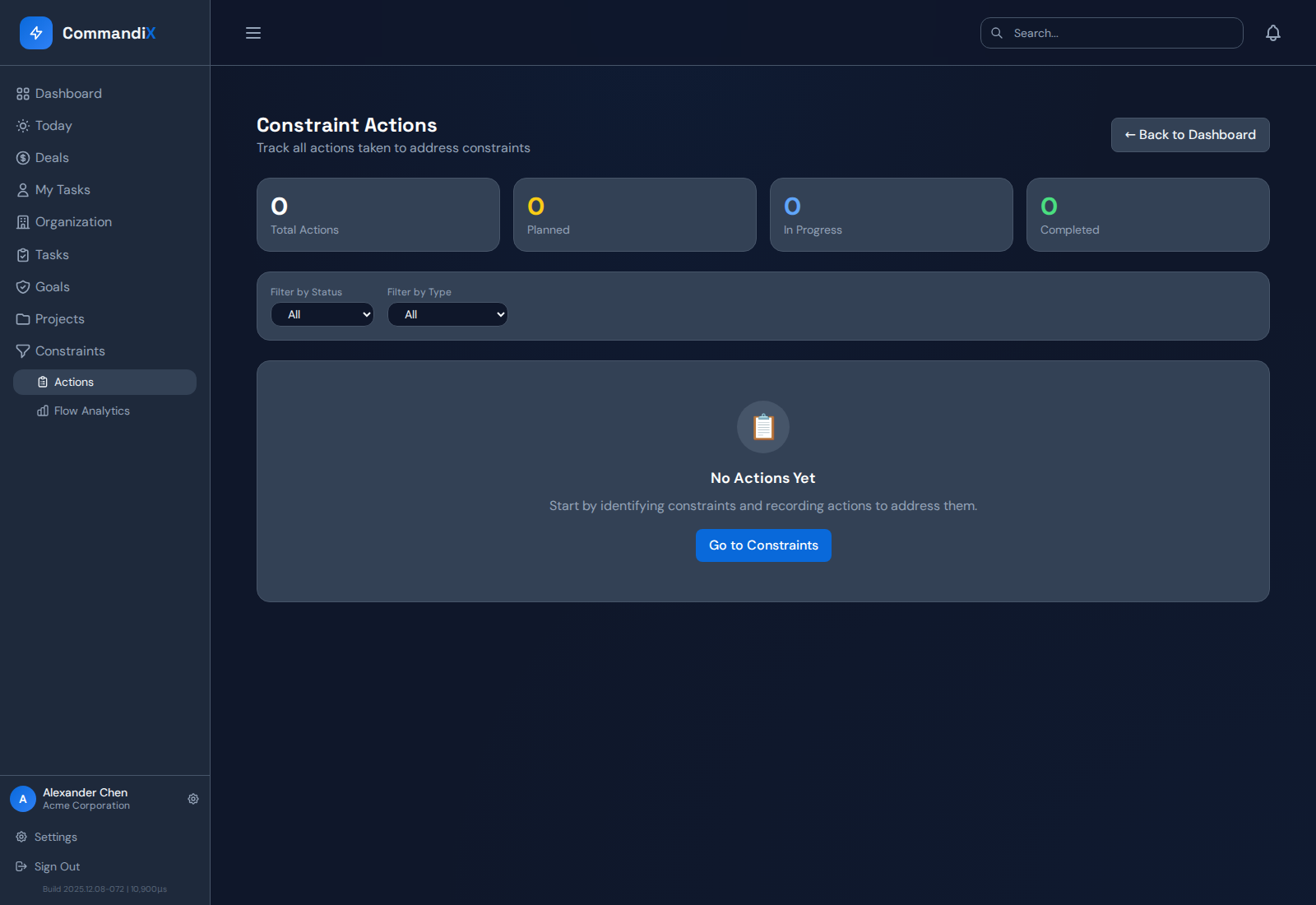
Commandix can assemble operating context from goals, work, constraint evidence and actions. Its current brief service combines those records into summaries, suggested decisions and watch items. Treat suggested ownership and timing as material to validate, not an approved commitment.
The underlying dashboard and Constraints view provide the work context for review. A generated brief cannot know about a customer conversation or policy decision that was never recorded.
Keep the next report comparable#
Use stable definitions and retain last week’s baseline. Explain changes in scope or work mix. Report when the action did not help, then decide whether to change the hypothesis, gather more evidence or test a different response.
Related guide: Run a focused 30-minute project-delay review.
Frequently asked questions#
How long should the report be?#
Keep the decision summary short enough to review before the meeting, with detailed work behind links. Length should follow the number of real decisions, not a fixed slide quota.
Should AI write the final report?#
It can help organize current records, but a responsible owner should verify dates, assumptions, proposed actions and sensitive information before sharing.