

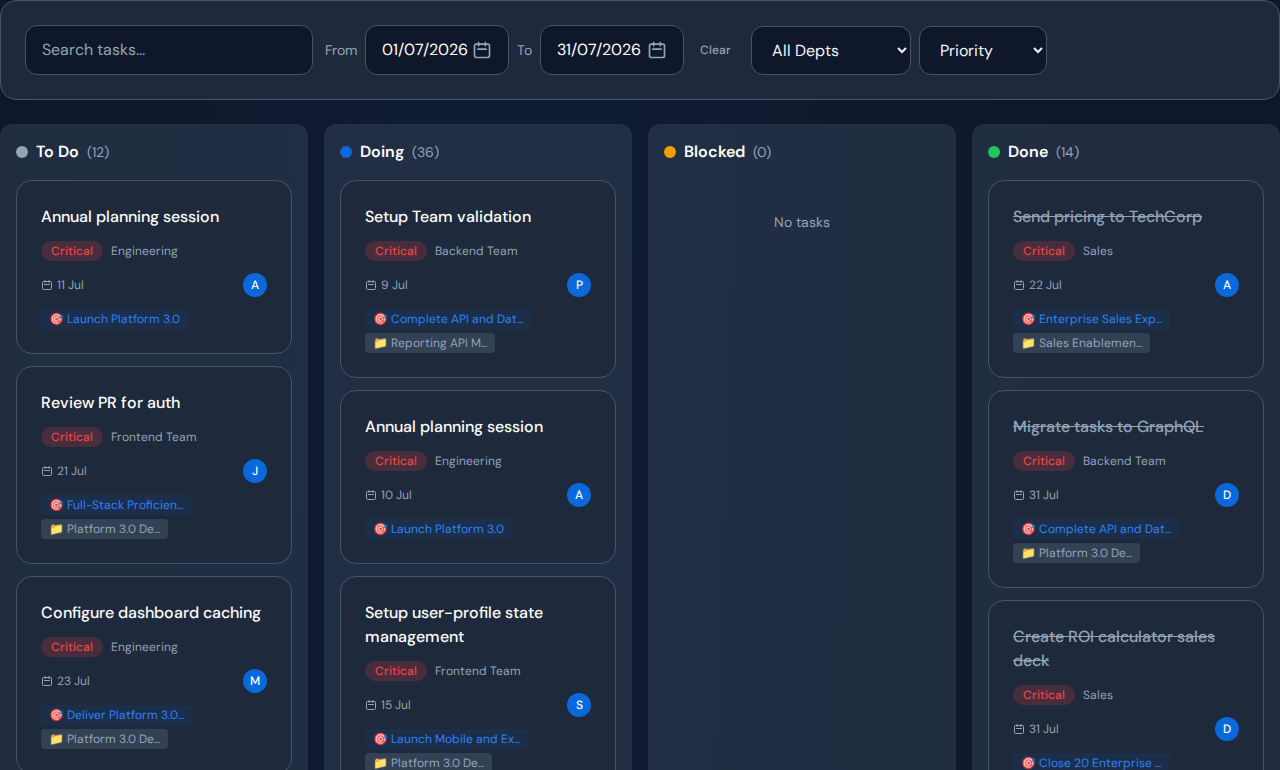
When a team’s completion rate falls, review workload, blocked work, unassigned requests and work type before drawing conclusions about performance. A team dashboard should help you decide where support or a process change is needed. Task counts alone cannot tell you whether someone is overloaded, handling difficult work or waiting on another department.
Read output beside the conditions of the work#
Compare completed work over time using a stable definition. Then inspect the mix of planned work, operational changes and unplanned requests. A shift toward complex or interrupted work can change the count without indicating a decline in effort or ability.
Look at the age of unfinished work as well. A good completion total can coexist with a critical blocked item that has not moved for weeks.
Use five questions in the team review#
- What is active, and how much has been started at once?
- Which tasks are blocked, and by what?
- Which overdue item affects the next commitment?
- What work is unassigned in the team queue?
- What changed in work type, available time or priorities?
Open the underlying tasks for the largest changes. Treat a number as a prompt to investigate rather than a complete explanation.
Worked example: fewer completions, greater contribution#
In a hypothetical team, one specialist completes fewer tasks than peers while reviewing complex requests from several projects. Other staff finish many smaller tasks. A leaderboard alone would misrepresent the specialist’s contribution.
Inspect the review workload, downstream dependencies and interruptions. The appropriate action may be to protect the specialist’s time or train another reviewer, not demand a higher task count.
Use the dashboard in a fair management process#
Discuss the records with the people doing the work. Correct stale states and missing dependencies before deciding. Keep quality, customer impact and responsibilities that are not represented in task records visible.
Do not use completion or sales counts as an automatic employment decision. Establish who can access individual detail and how the organization explains the use of work data.
Review team context in Commandix#
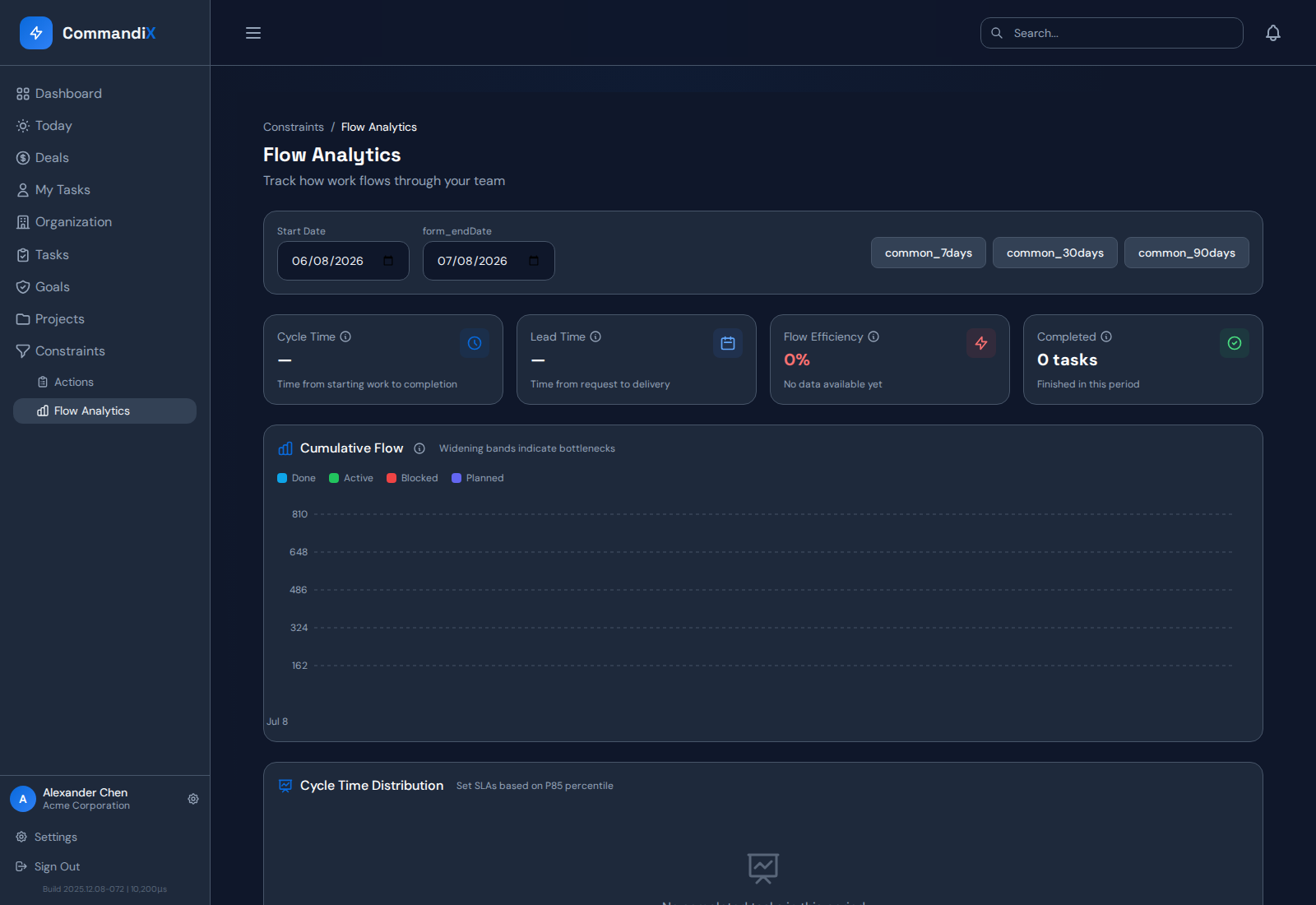
Commandix’s Units and People views provide task, workload and history context. Use current blockers and team queues beside completion trends. Flow Analytics can support a closer look at aging work and work mix when the underlying history exists.
Related guide: Measure elapsed work time with consistent definitions.
Frequently asked questions#
Can task counts measure employee productivity?#
They describe recorded task output, which varies with size, complexity, quality demands and responsibilities. They are insufficient as a standalone judgment of employee value.
What should a manager change first?#
Identify the specific condition preventing progress: missing ownership, a blocked dependency, conflicting priorities or ready demand beyond available capacity. Choose the response from that evidence.