
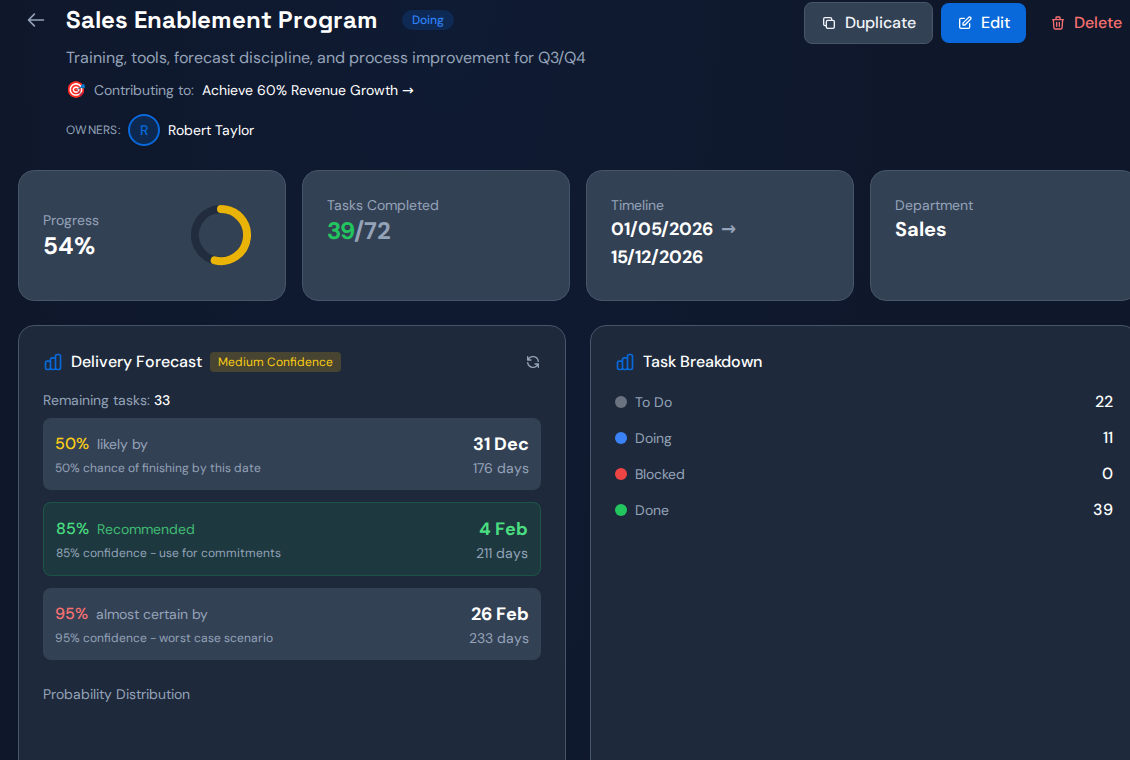
When several projects slip together, group their unfinished dependencies by shared person, team and approval step. Compare the ready work entering each shared queue with the work leaving it. This reveals where separate project plans are making competing promises on the same limited capacity.
Build one view of the shared demand#
Start with the next significant milestone in each active project. List the specialist work needed before that milestone, its readiness date, estimate and accountable owner. Include operational interruptions that consume the same skill, even when they sit outside the project plan.
Do not add task counts as if all tasks cost the same effort. Where estimates are weak, inspect a representative sample and record a range. The purpose is to expose conflicting commitments, not manufacture a precise capacity forecast.
Create a portfolio decision table#
| Field | Decision it supports |
|---|---|
| Commitment and consequence | Which milestone deserves protection? |
| Shared dependency and owner | Which projects compete for the same step? |
| Ready date and missing inputs | What can the specialist actually start? |
| Estimated demand and available time | Does the chosen sequence fit? |
| Work deferred | What tradeoff needs leadership approval? |
Keep the deferred work explicit. A priority order is ineffective if every project manager can privately escalate their task back to the top.
Worked example: one architect, three commitments#
In a hypothetical portfolio, a customer migration, a product release and an internal redesign all require the same architect this week. Each project plan assumes immediate access. The migration has a fixed customer window, the release lacks complete inputs and the redesign can move.
Protect the migration review, repair the release inputs and defer the redesign session. Tell every affected owner what changed. If ready demand remains too high after sequencing, use the consolidated evidence to assess additional qualified capacity.
Check that resequencing improves completed milestones#
Save the baseline: ready queue size, age of the oldest ready item and milestone dates. Review what finished, what arrived and what was interrupted. A lower workload total can hide work moved off the board, so reconcile the deferred list.
Escalate only the tradeoff requiring authority beyond one project. Project owners can maintain their task plans while a portfolio owner settles the shared order.
Use Commandix to inspect the common dependency#
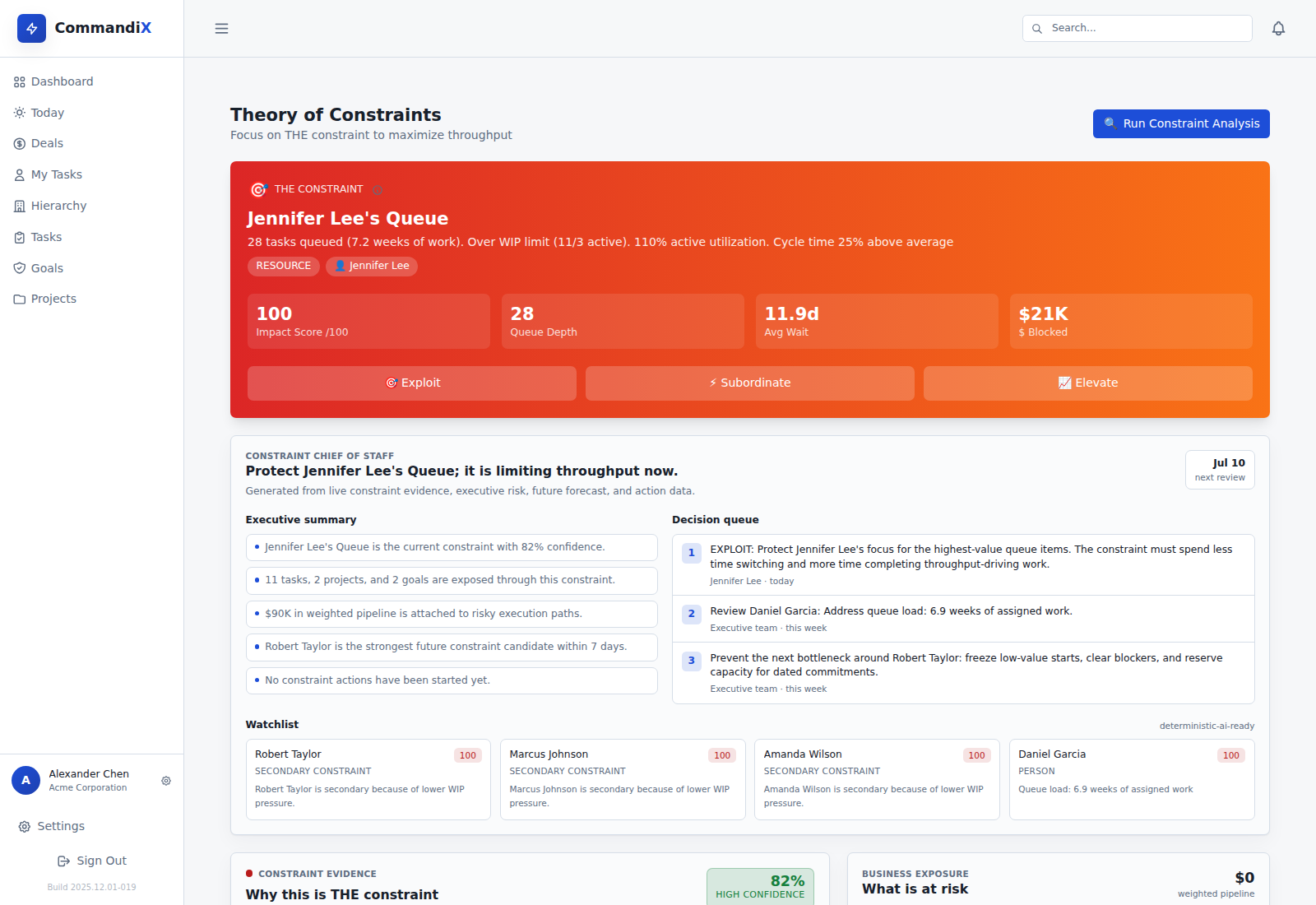
Commandix projects and tasks retain owners and dependencies. The Constraints view can show affected work around a possible bottleneck. Use that evidence to validate the common dependency, then record the chosen response. Keep the portfolio priority decision explicit rather than assuming a score resolves every business tradeoff.
Related guide: Prioritize projects sharing one specialist.
Frequently asked questions#
Should we pause projects to remove a bottleneck?#
Pausing lower-priority starts can help when projects compete for the same skill. Confirm readiness, business consequences and the shared sequence before stopping work.
Is a resource heatmap enough?#
It shows demand or load, but the decision also needs dependency impact, ready inputs and commitment dates. Review those together.