

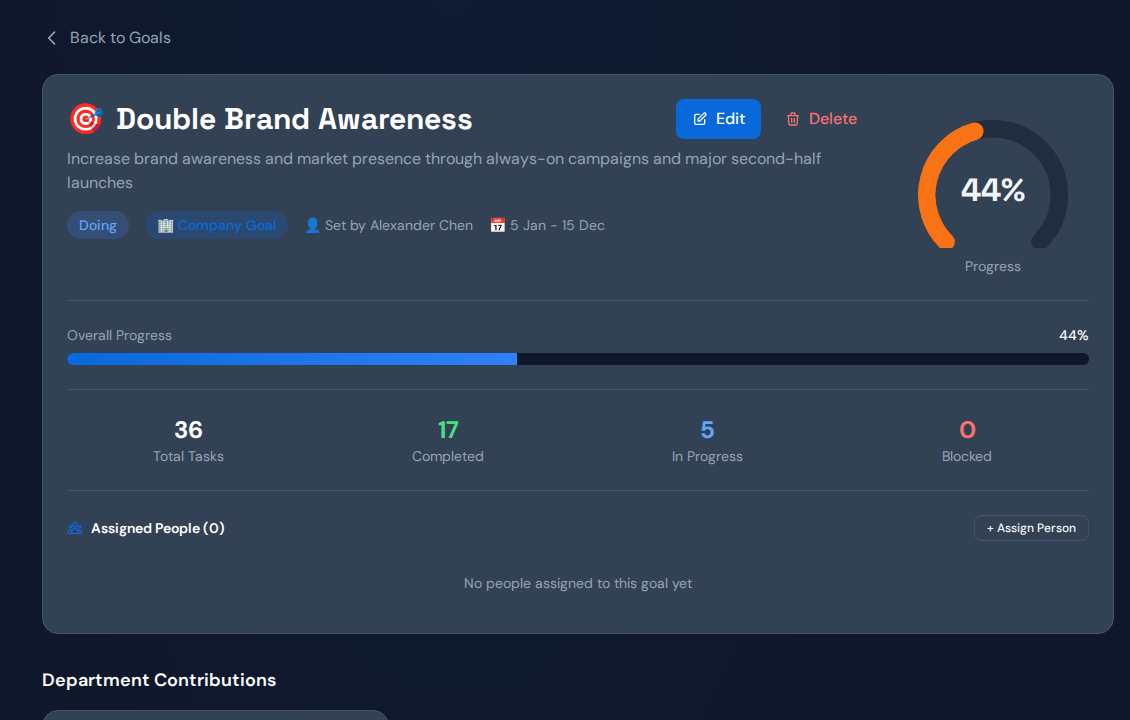
For delayed cross-team projects, write OKRs around the customer or delivery outcome, then identify the work and dependencies that can change it. Avoid treating task completion as the key result by default. The examples below pair a measurable outcome with a waiting-time check so teams can investigate why progress stalls.
Example 1: make customer onboarding predictable#
Objective: help customers reach their agreed first-use milestone on time. Key results: reduce the share of onboardings missing the agreed date from your measured baseline to an agreed target, and reduce the time from complete customer inputs to first use.
Link the goal to technical setup, customer training and acceptance work. Inspect the queue for technical review and distinguish incomplete customer inputs from ready requests. The decision may be to improve intake before adding onboarding staff.
Example 2: deliver a product launch across departments#
Objective: deliver the agreed launch scope by the customer commitment date. Key results: meet the release acceptance milestone and reduce unresolved launch-blocking dependencies to the agreed threshold before release review.
Engineering, security, marketing and support should share the dependency map. Keep readiness criteria explicit. A completed marketing checklist does not offset a missing security approval. Use the milestone outcome as the primary signal and completion counts as supporting context.
Example 3: shorten sales approval delays#
Objective: make qualified proposals ready for customer decisions sooner. Key results: reduce median time from a complete approval request to a decision, and improve the share of proposals ready by the customer-agreed date.
Track pricing, legal and technical tasks beside the deal. Record incomplete requests separately so a shorter queue does not hide rejected work. Check acceptance and rework before declaring success from faster approval alone.
Set targets from a baseline, not an attractive percentage#
These are hypothetical templates, not customer results or recommended universal targets. Select the reporting window, work type, metric owner and data source. Measure the starting position before assigning a numeric improvement target.
- Write the outcome and who benefits.
- Define exactly when measurement starts and ends.
- Name one accountable owner for the key result.
- Link the projects and cross-team dependencies.
- Choose a weekly signal that could warn of delay.
- Document quality or customer safeguards.
Check for conflicting targets. Rewarding every team for starting more work can worsen the same shared approval queue that another team is expected to shorten.
Track the work without confusing it with the result#
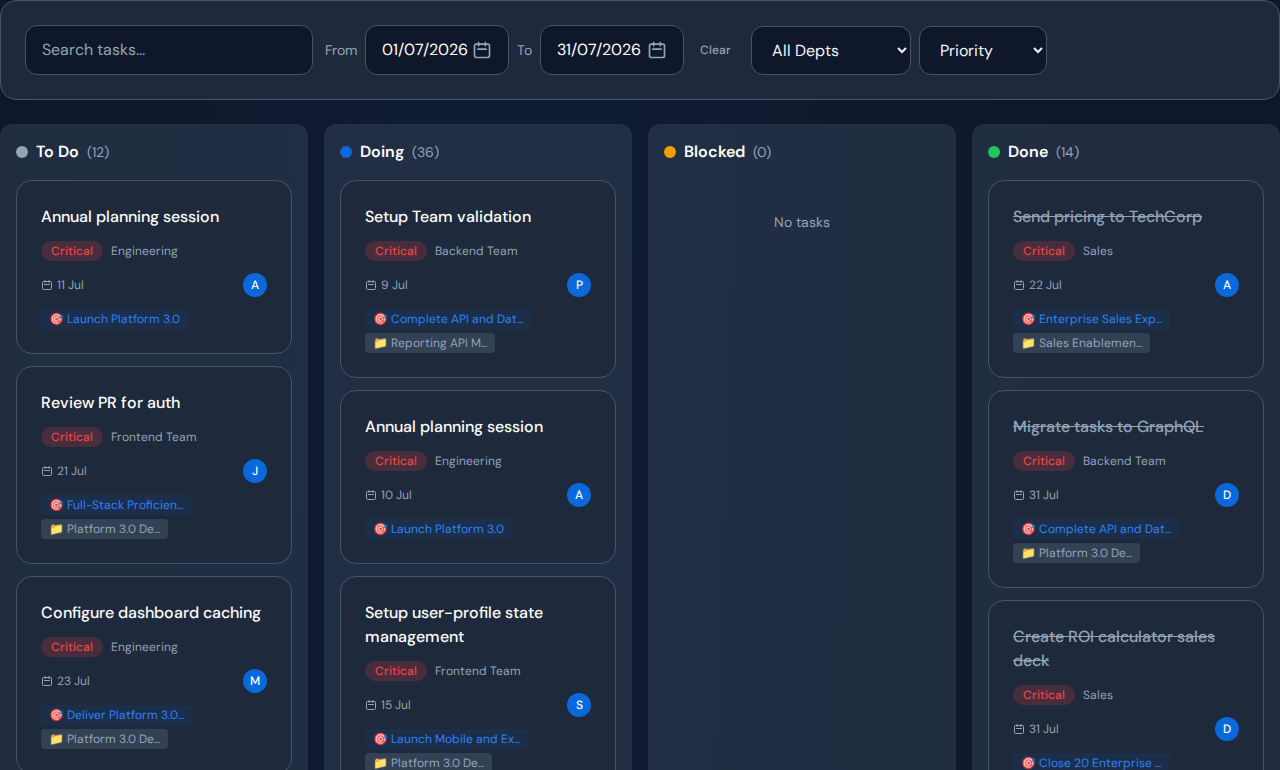
In Commandix, goals can connect to projects and tasks. Use those links to inspect the work expected to improve the key result. Check the outcome in its authoritative business record, then use blocked tasks and dependency evidence to decide what needs management attention.
Related guide: Choose OKR software for cross-functional projects.
Frequently asked questions#
Should every task become a key result?#
No. A key result measures progress toward the objective. Tasks describe the work you believe will influence it. Keep those concepts separate.
What if the baseline is unknown?#
Make establishing a reliable baseline the first action. State the measurement period and missing records instead of inventing a percentage target.